Build with AI
Describe the flow in plain language, and Flow Copilot puts a working draft on the canvas. You review it, adjust it and run it.

Connect your systems and move data exactly where it needs to go.
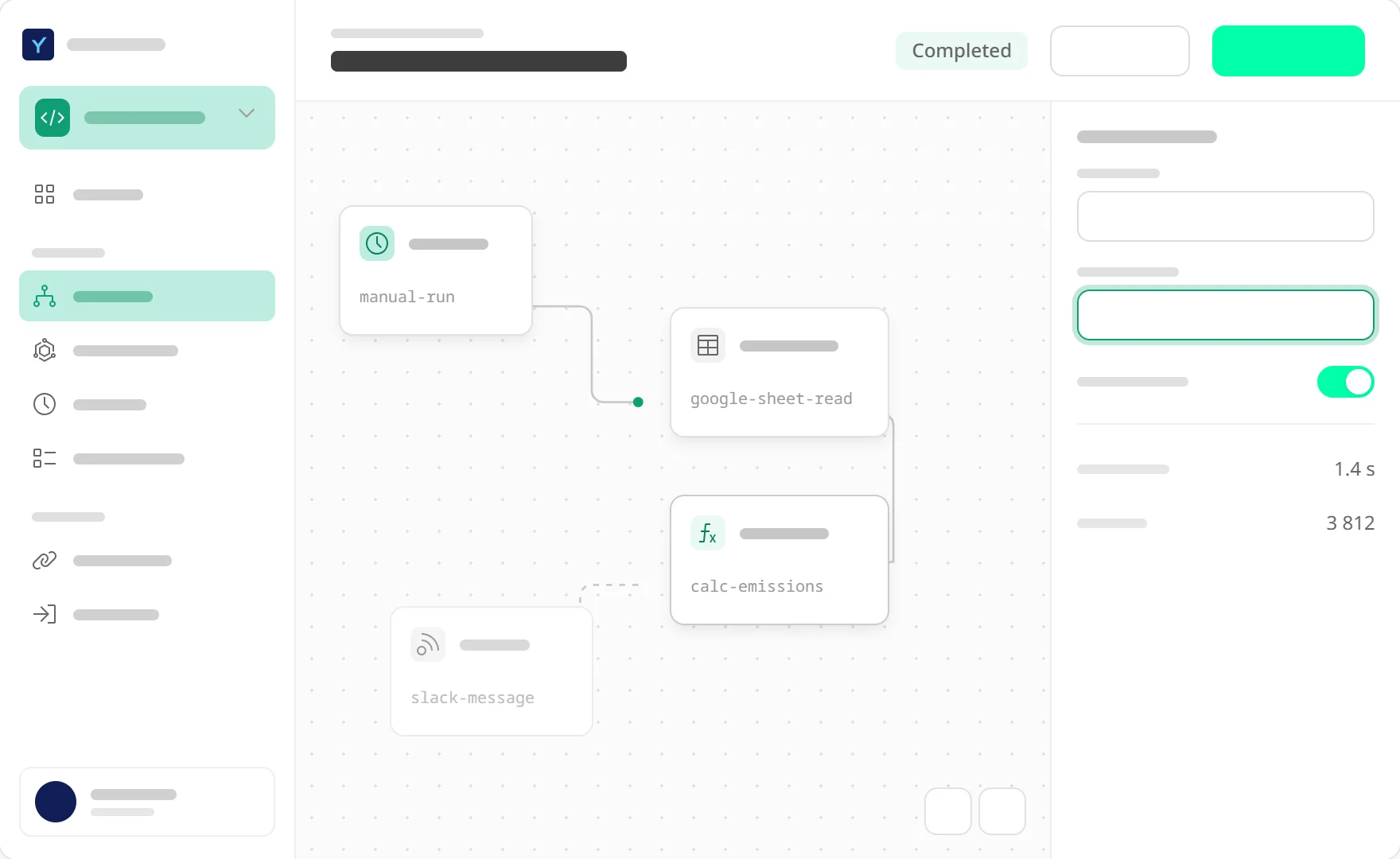
Build workflows on a visual canvas, or describe what you need and let AI build the first draft. Pick a trigger, add steps, branch and loop. Start from a template, from scratch or from a sentence.
Describe the flow in plain language, and Flow Copilot puts a working draft on the canvas. You review it, adjust it and run it.
Every run is kept: what triggered it, which path it took and what each step returned. Debugging takes minutes, not days.
Choose from hundreds of ready-made actions. Keep credentials safe in one place, or build your own block in Connector Studio when you need something custom.
Typed tables, files, time series and calculation flows are built in. Extract data from documents as a step in any flow.
If something crashes, the run picks up where it left off instead of starting over or getting lost.
How we keep runs alive →